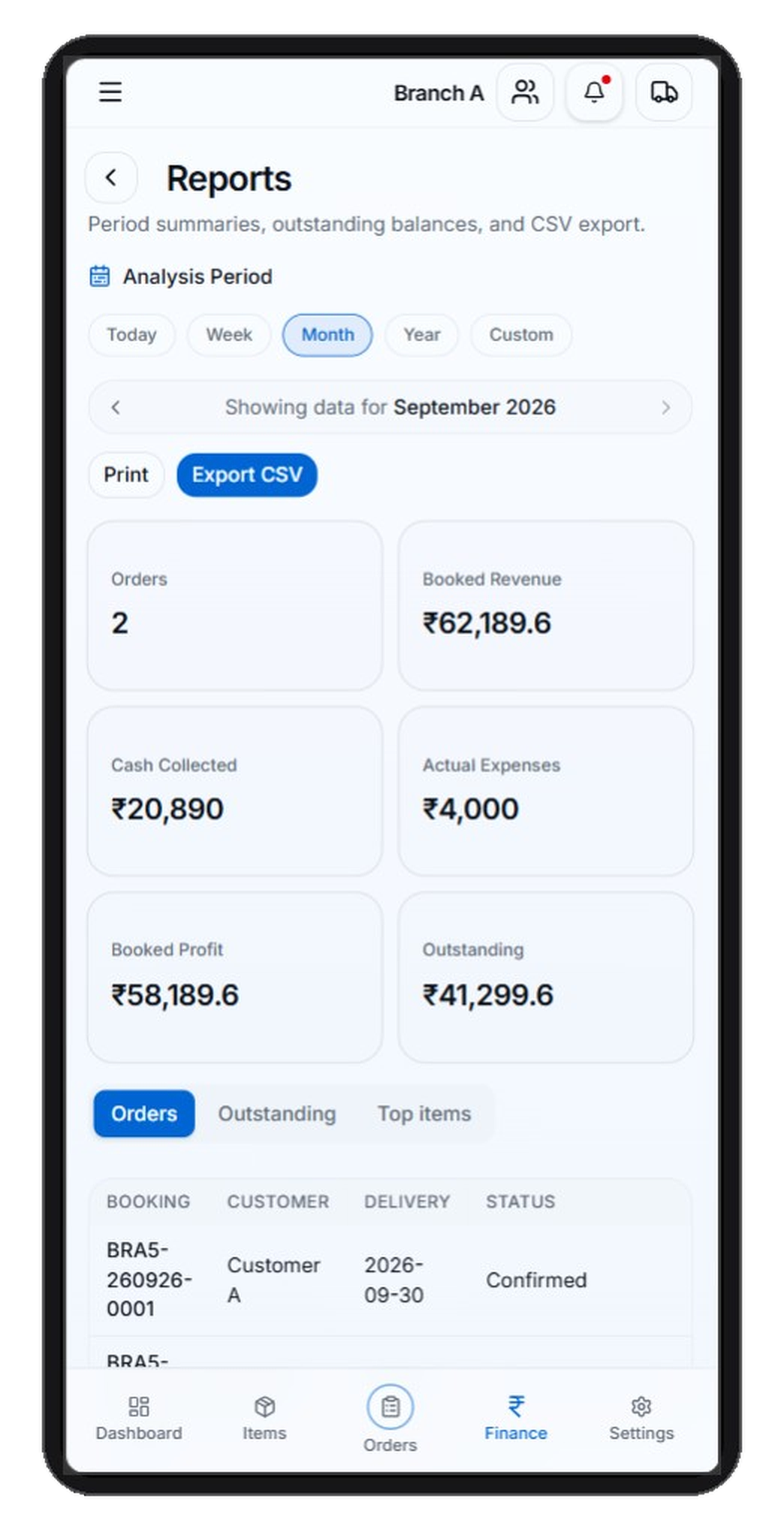
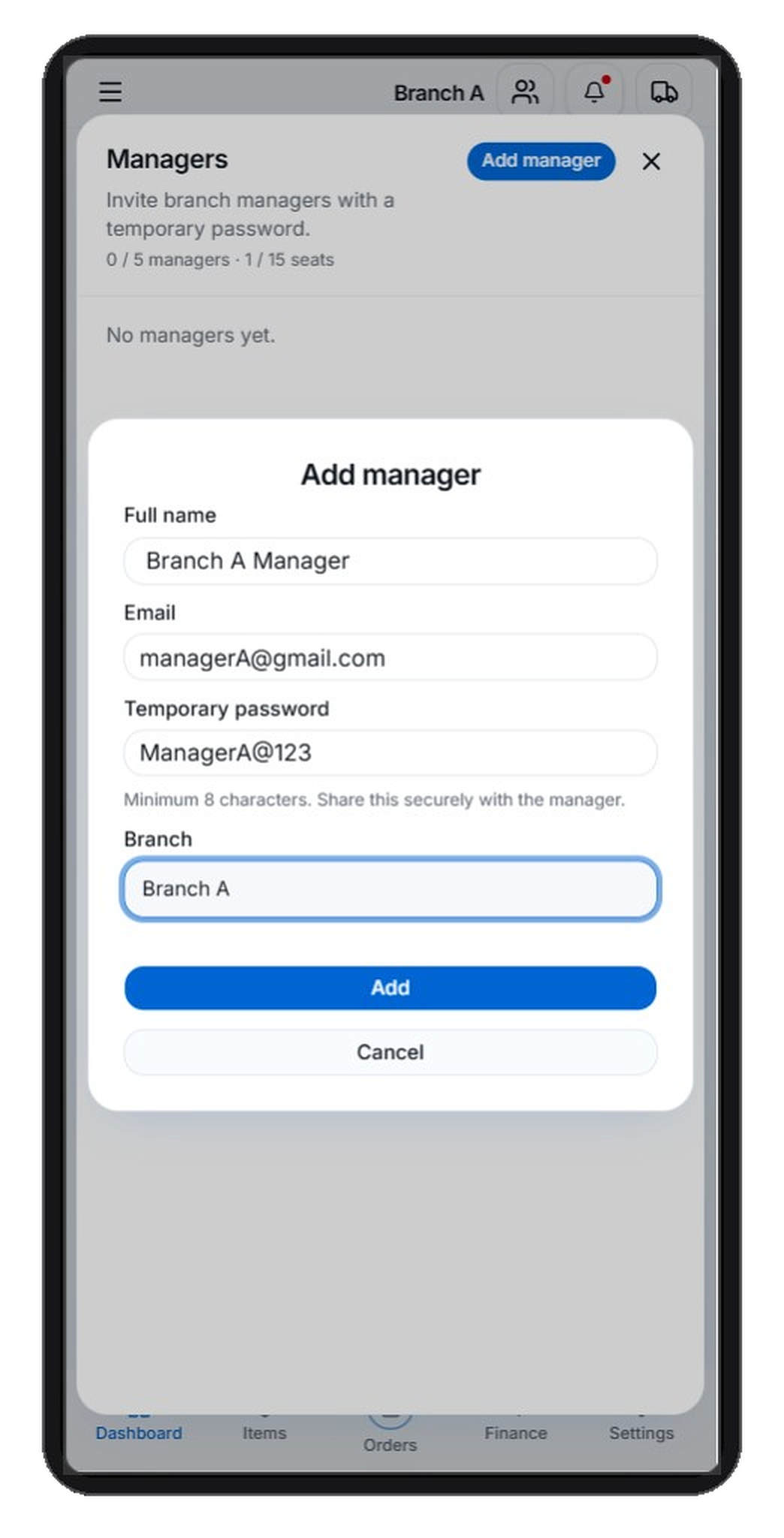
Bookings
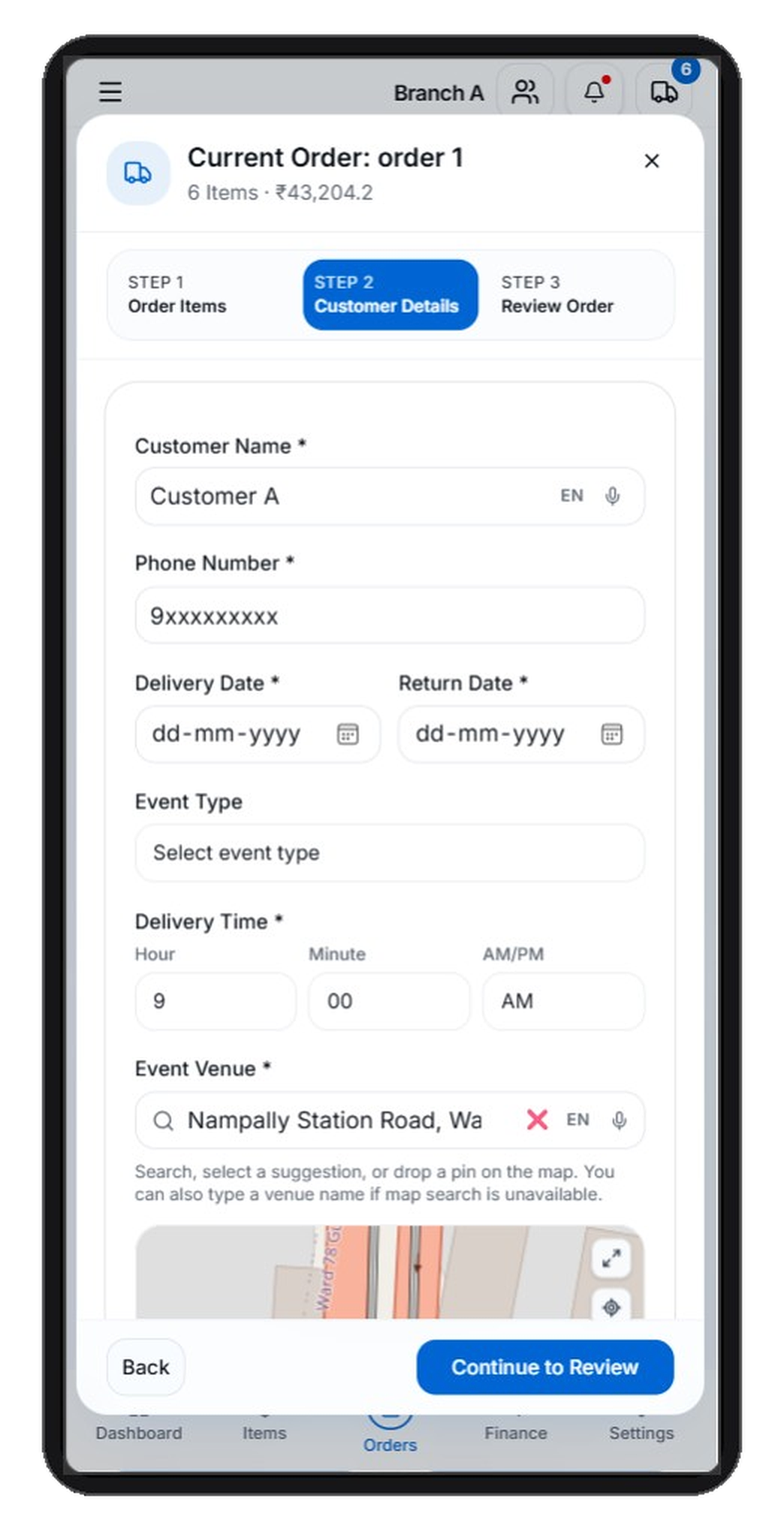
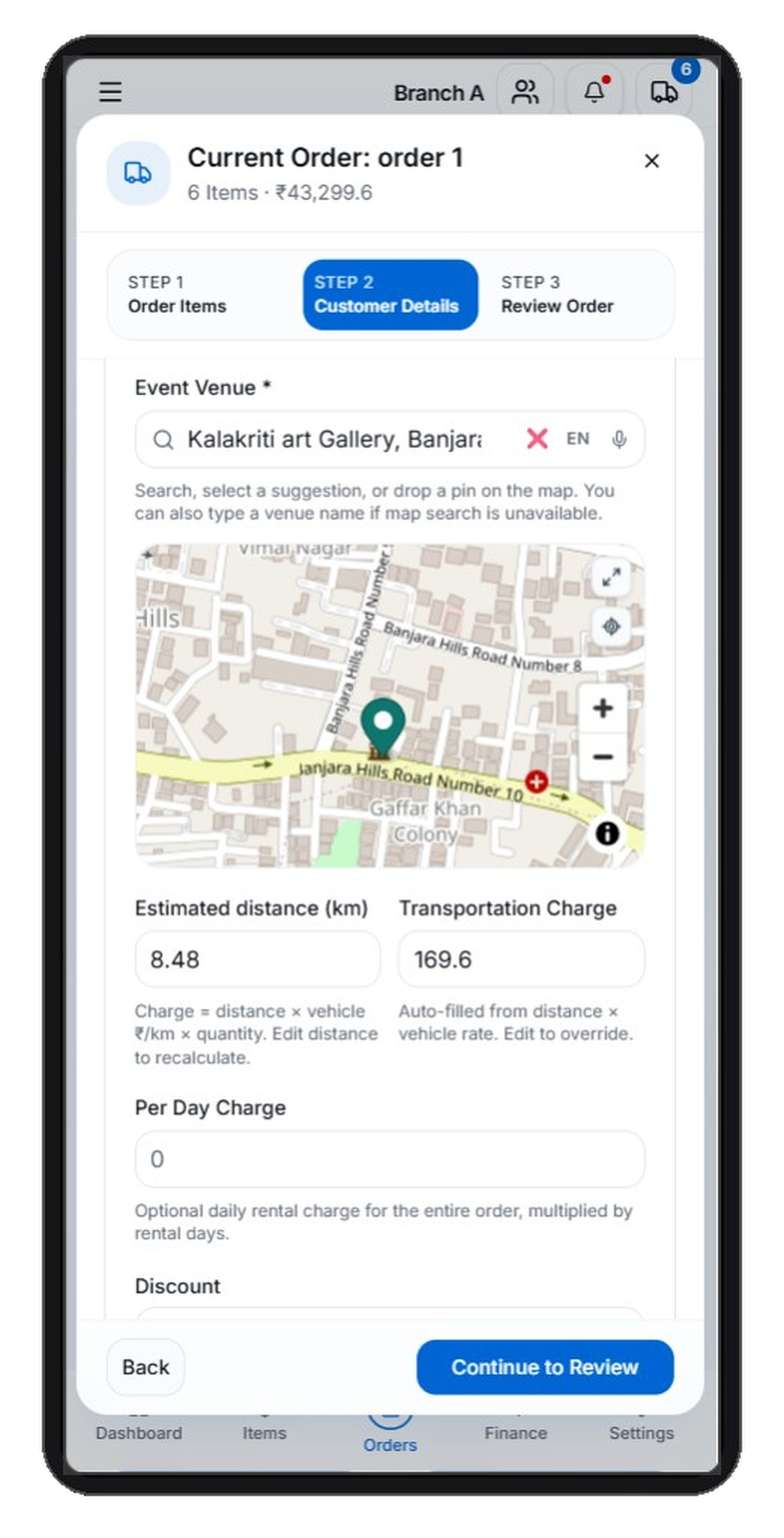
Create bookings with rental items, quantities, event dates and booking details in one flow.
Manage customers, catalogue, bookings, payments, invoices, expenses, calendar, reports, staff and vehicles — without scattered notebooks and spreadsheets.

Create bookings in minutes
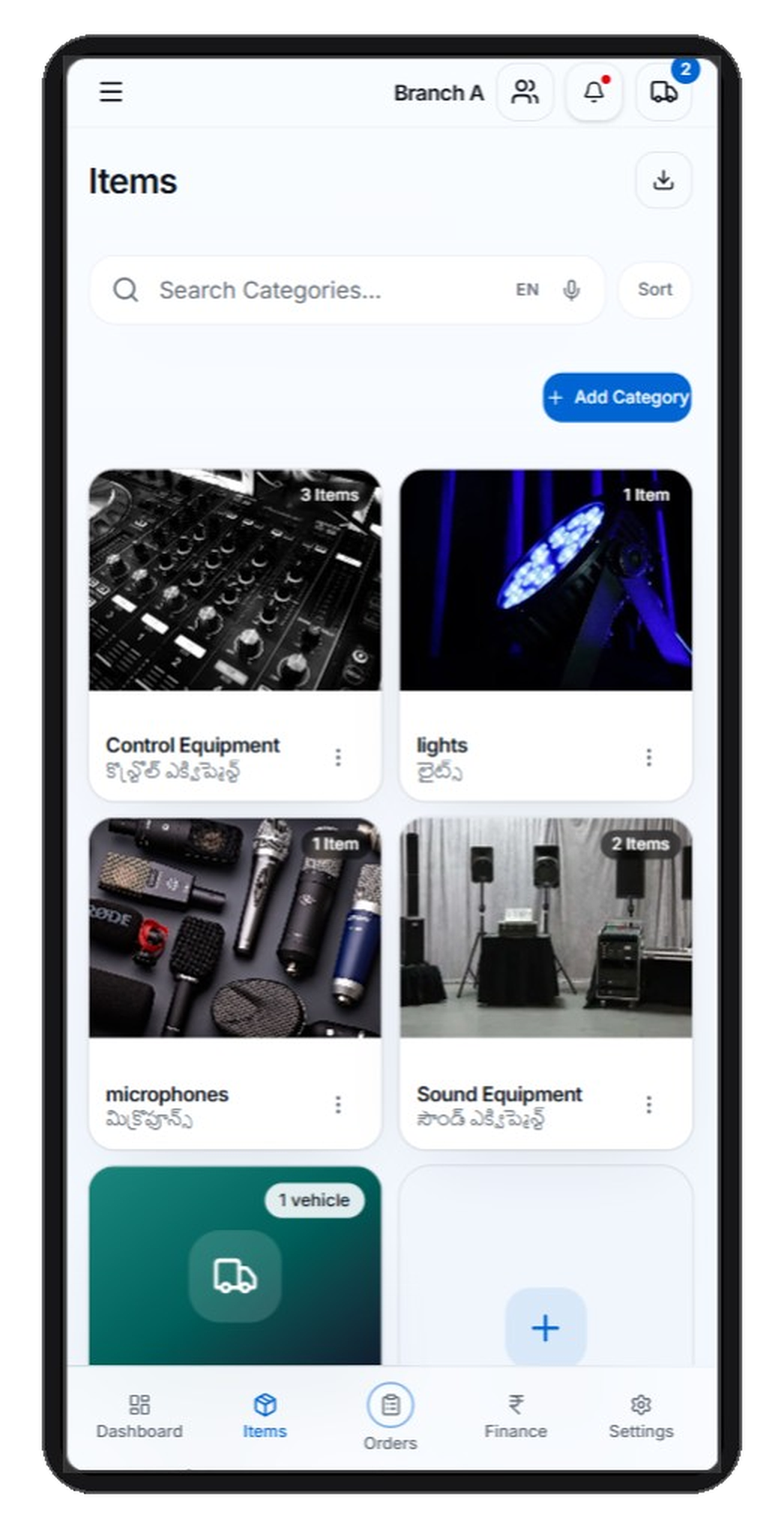
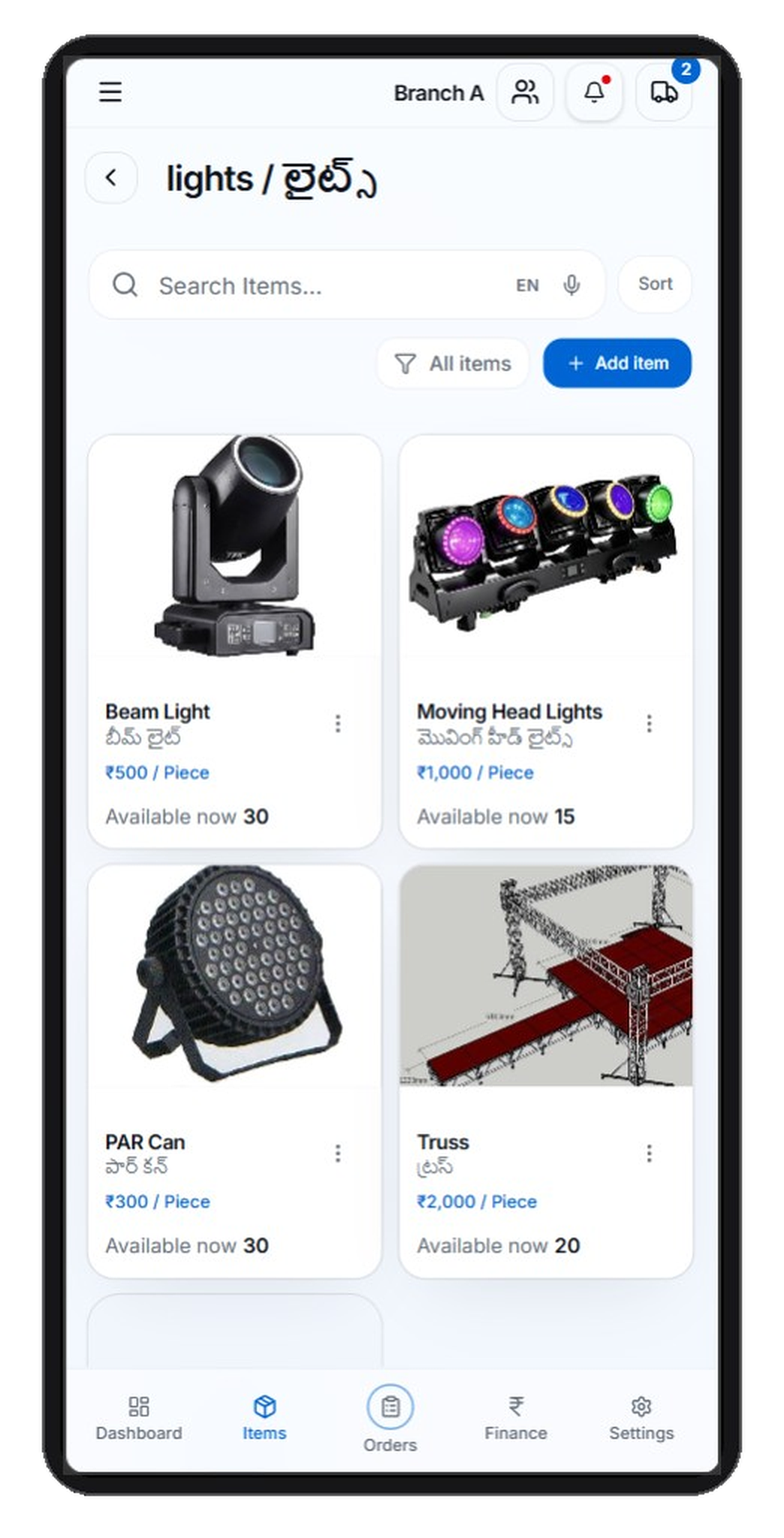
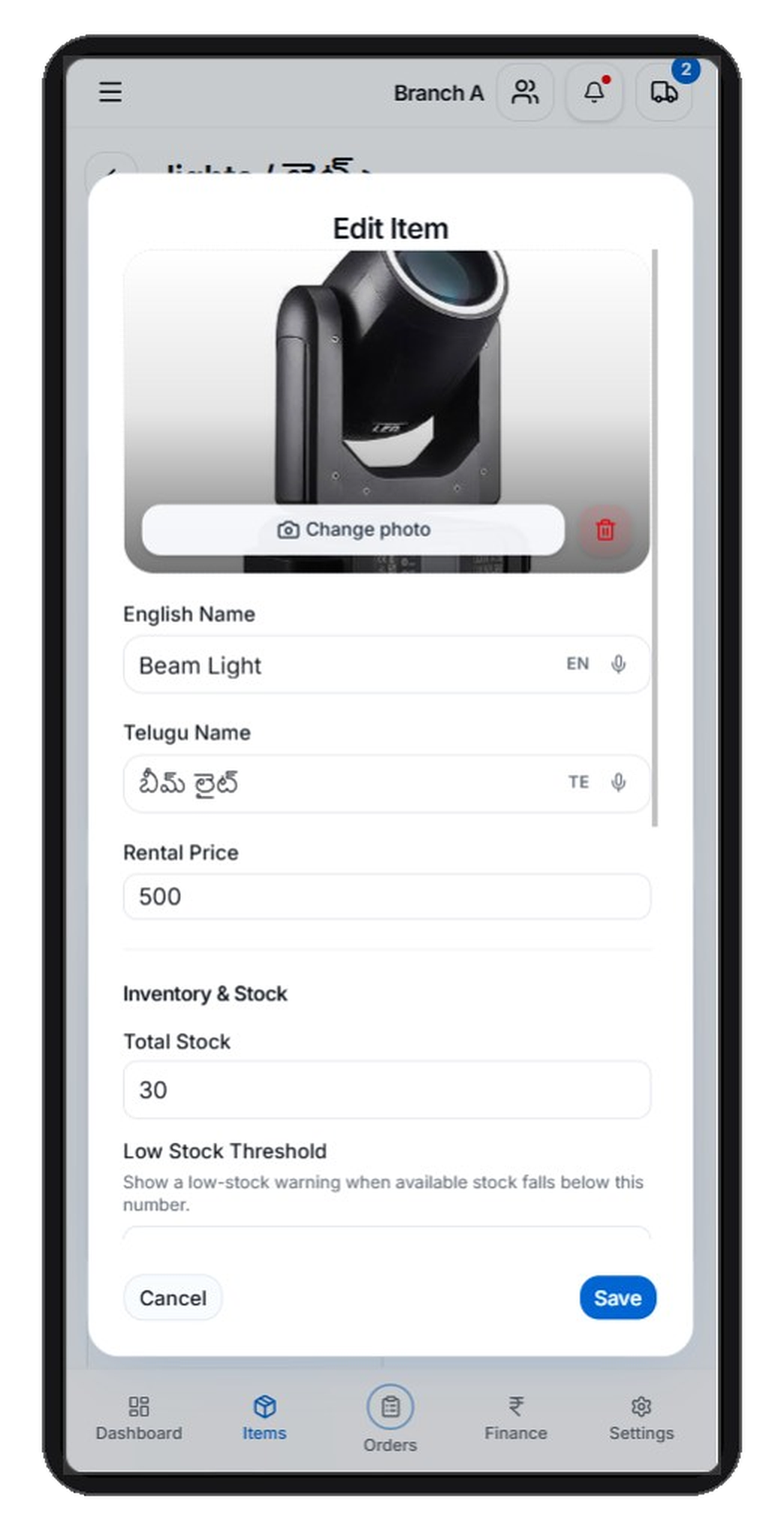
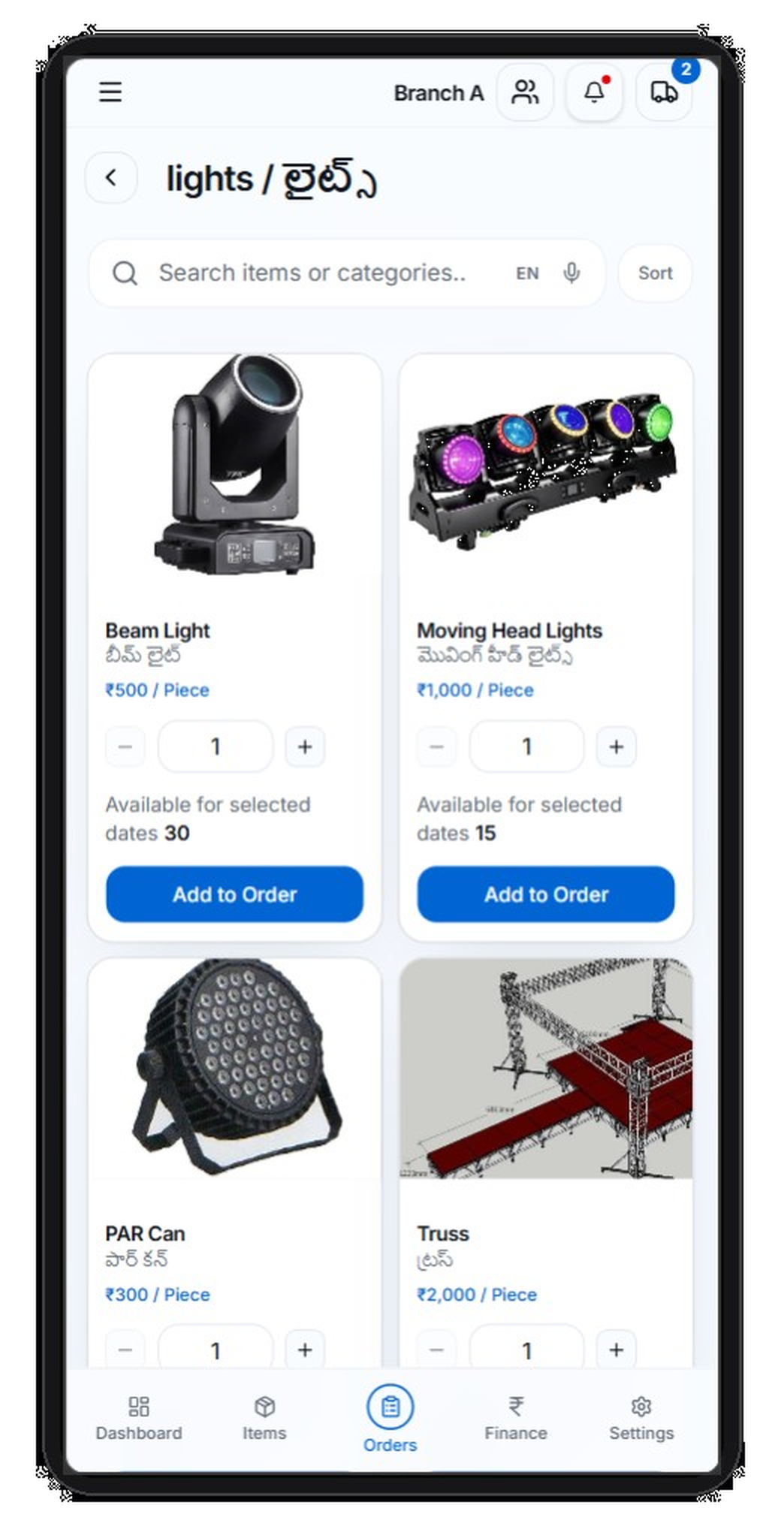
Manage rental items, quantities, event dates and booking details in one place.
RevRent in action
See how RevRent simplifies event rental management — from catalogue and bookings to finance and branch operations.
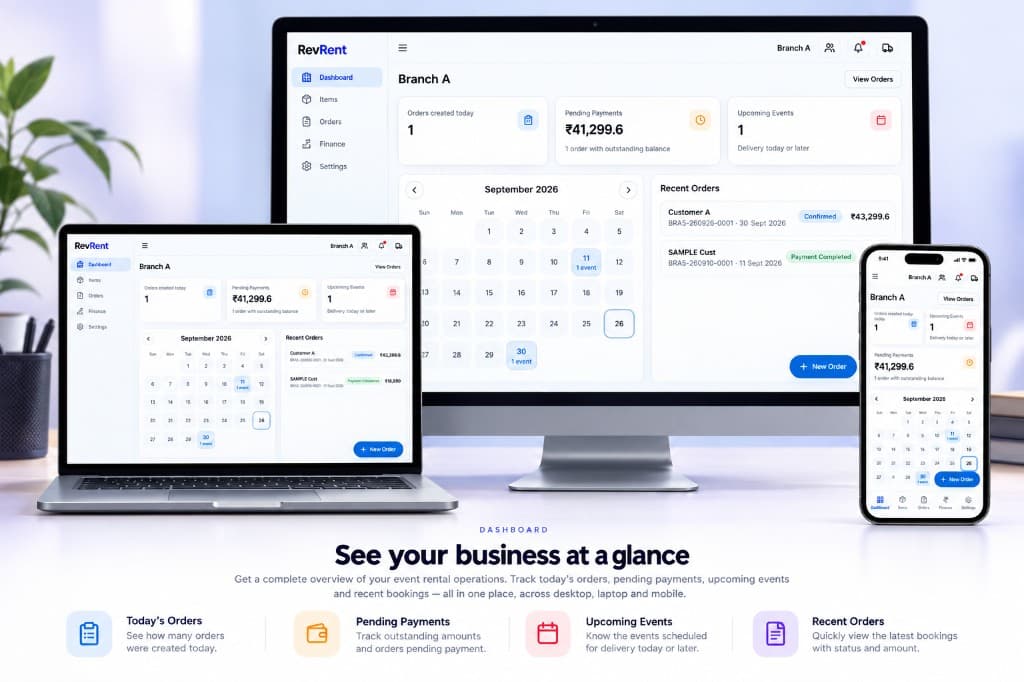
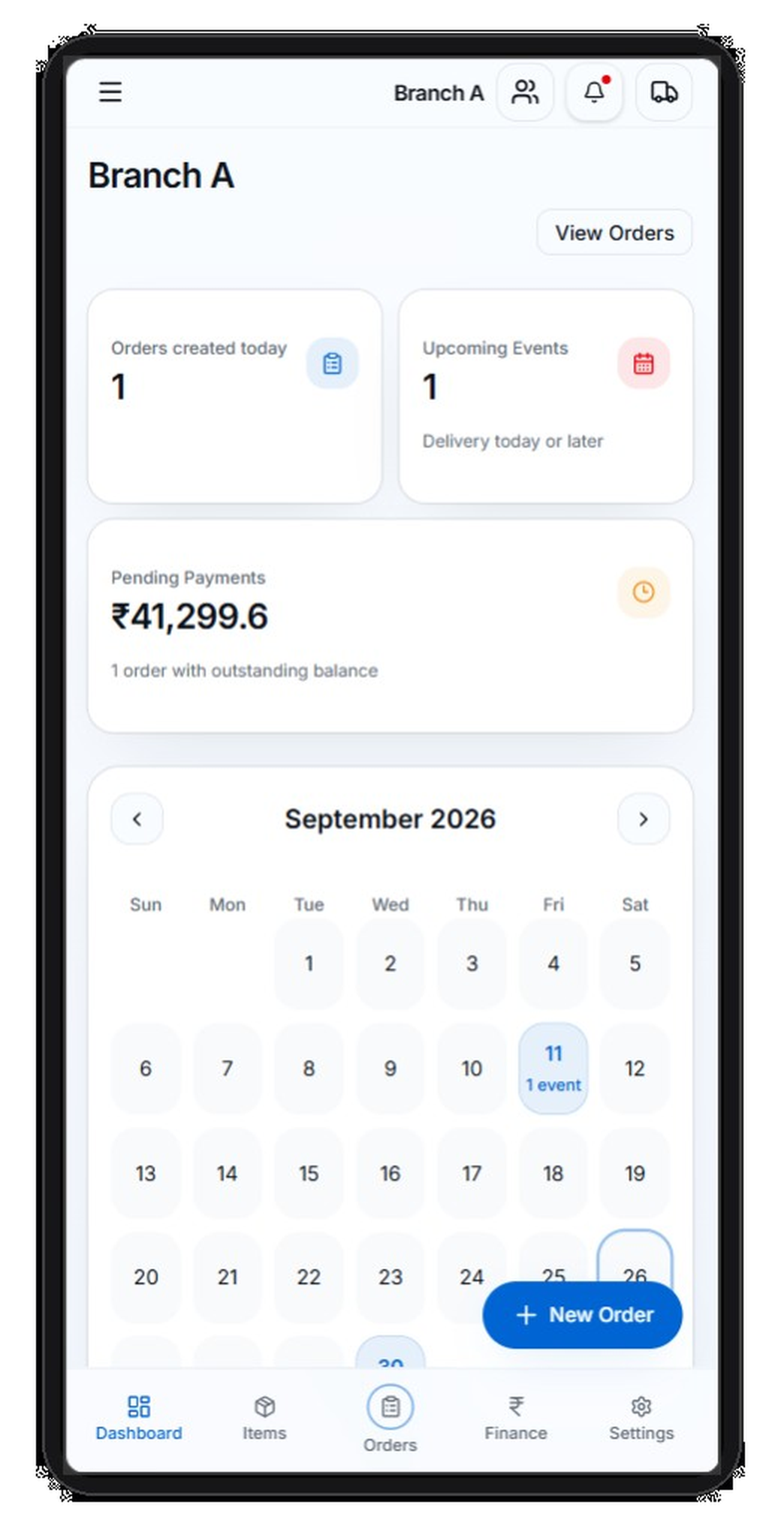
Dashboard
See your business at a glance
Get a complete overview of your event rental operations across desktop, laptop and mobile — orders, payments, events and recent bookings in one place.
Business Navigation
Manage your branches, staff, business settings and account options from one place.
01 / 14
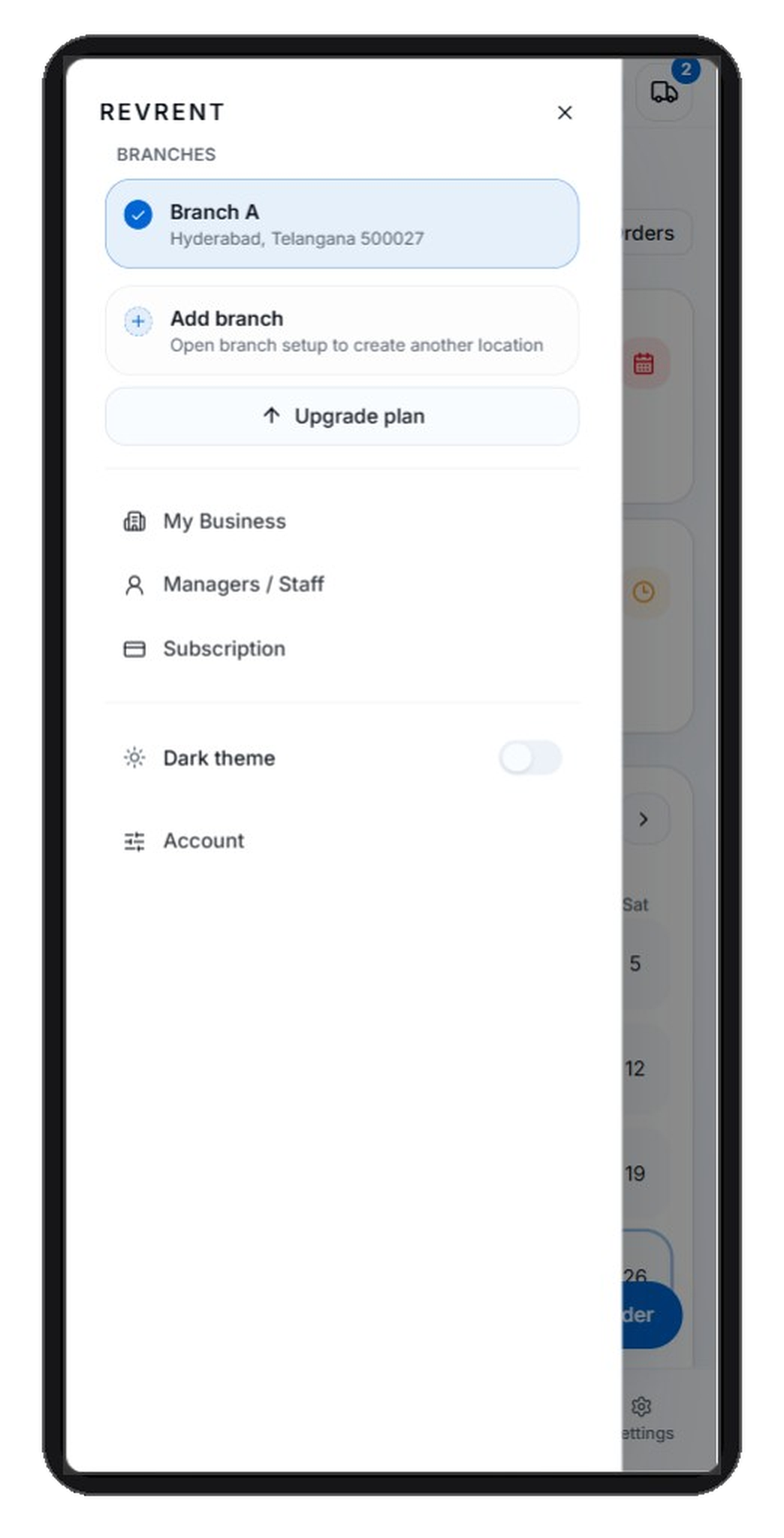
01 / 14 · Business Navigation
Manage your branches, staff, business settings and account options from one place.
01 / 14
Customers, catalogue, bookings, payments, invoices, finance, calendar, staff and vehicles — built for event rental operations.
Create bookings with rental items, quantities, event dates and booking details in one flow.
Keep rental items and quantities organized so every booking starts from the same catalogue.
Store customer details against bookings so you are not hunting through separate lists.
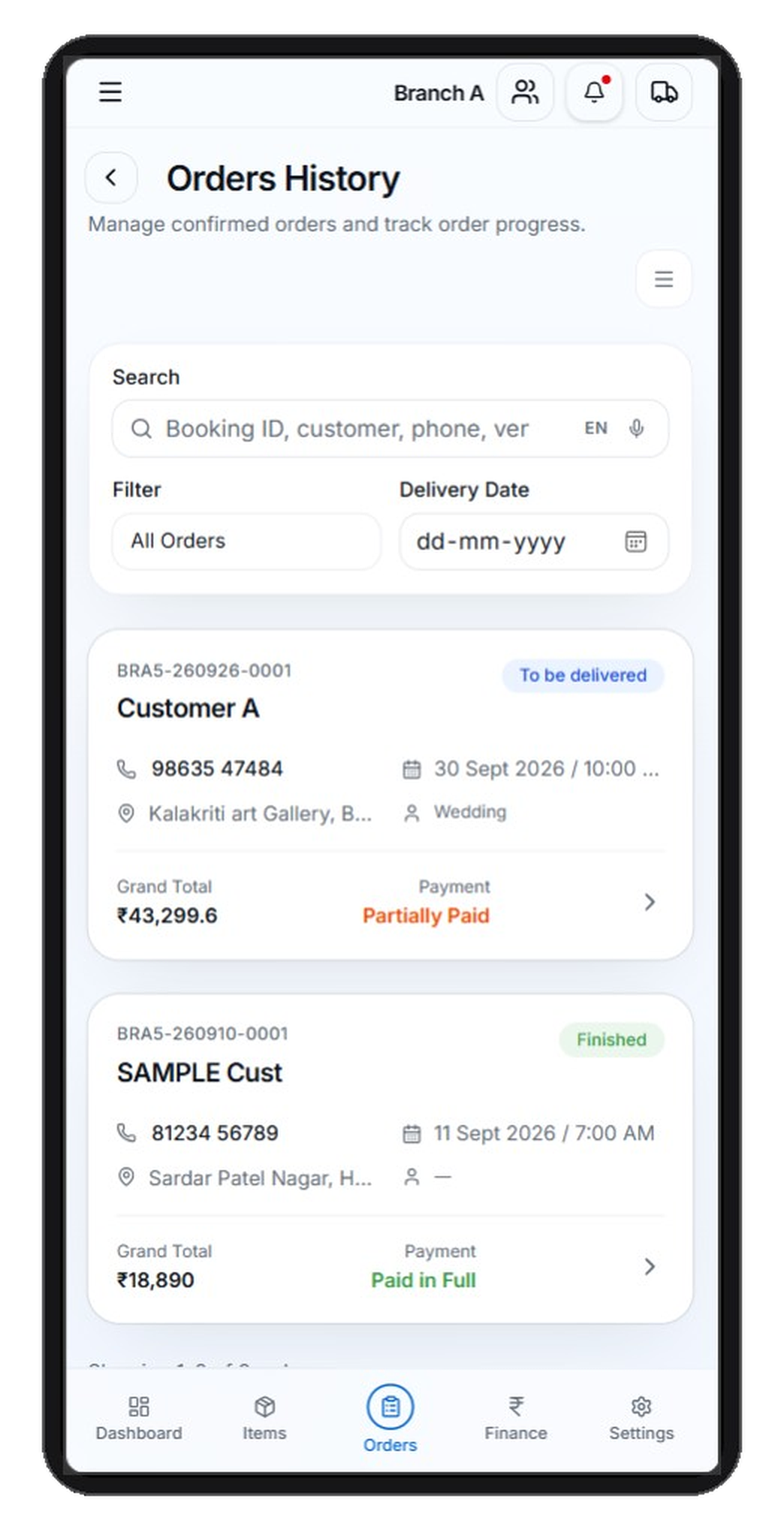
Record advance payments, pending balances and outstanding amounts against each booking.
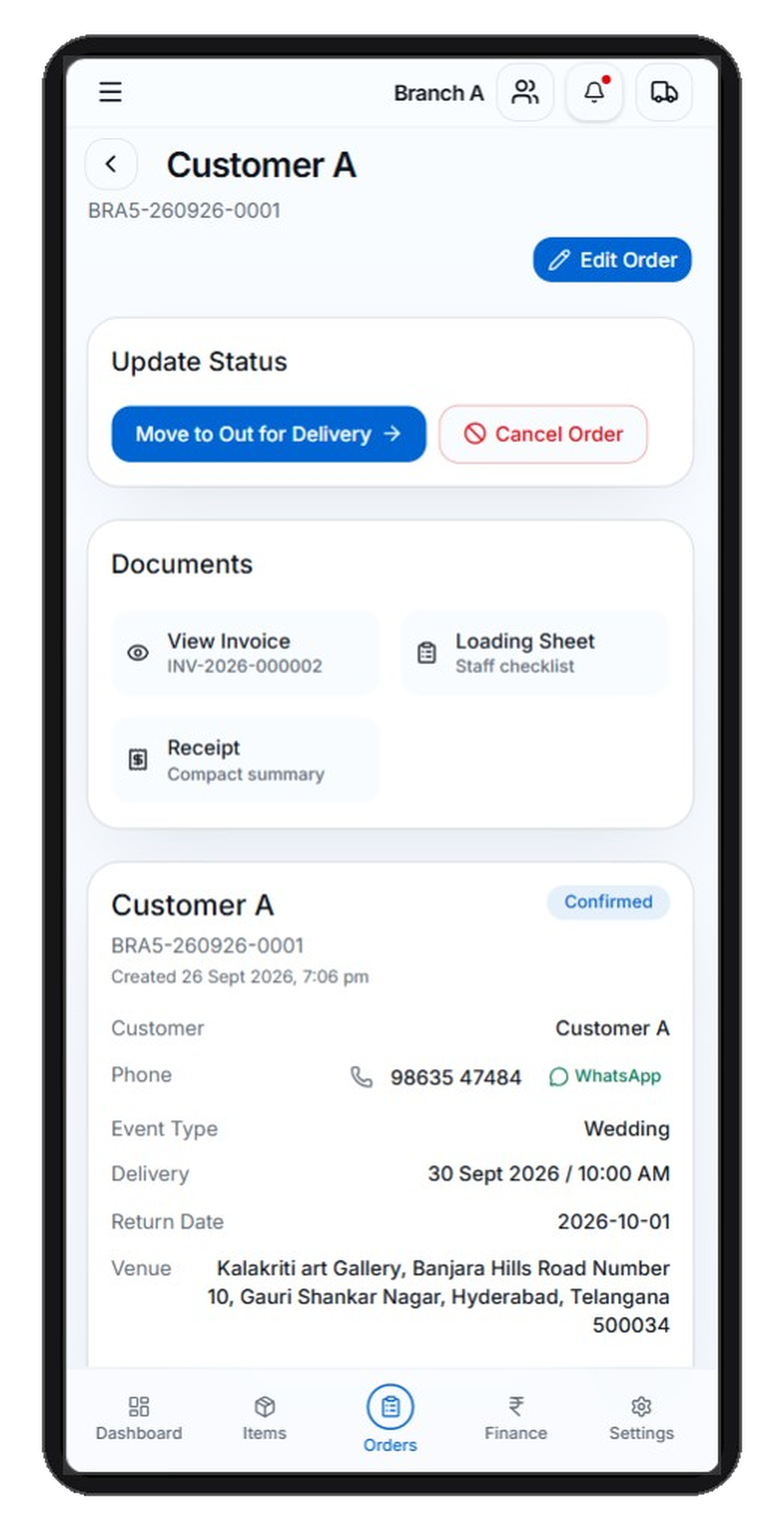
Generate invoices and share them, including WhatsApp sharing from the booking documents.
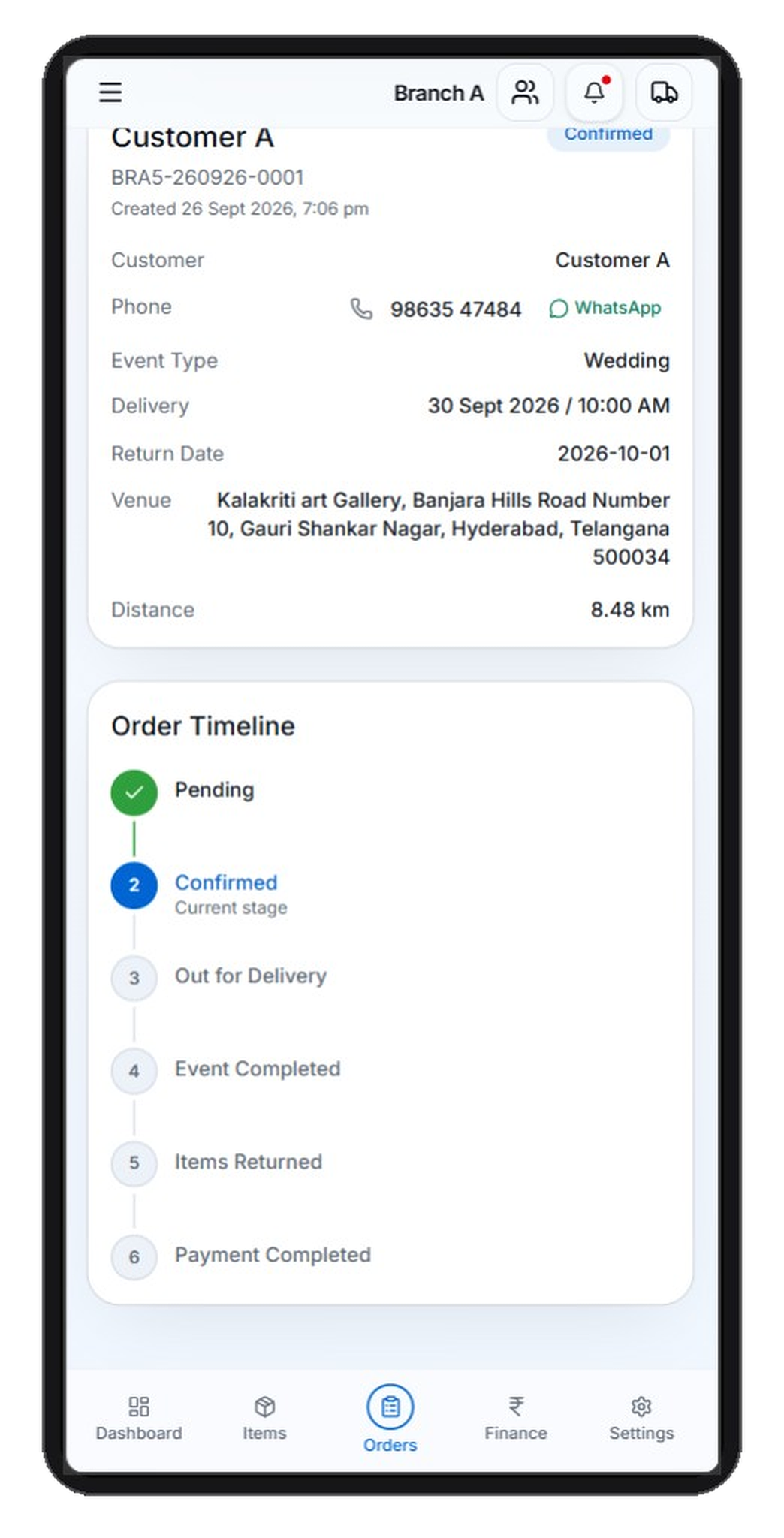
See event dates and bookings on a calendar so the day’s work is easier to plan.
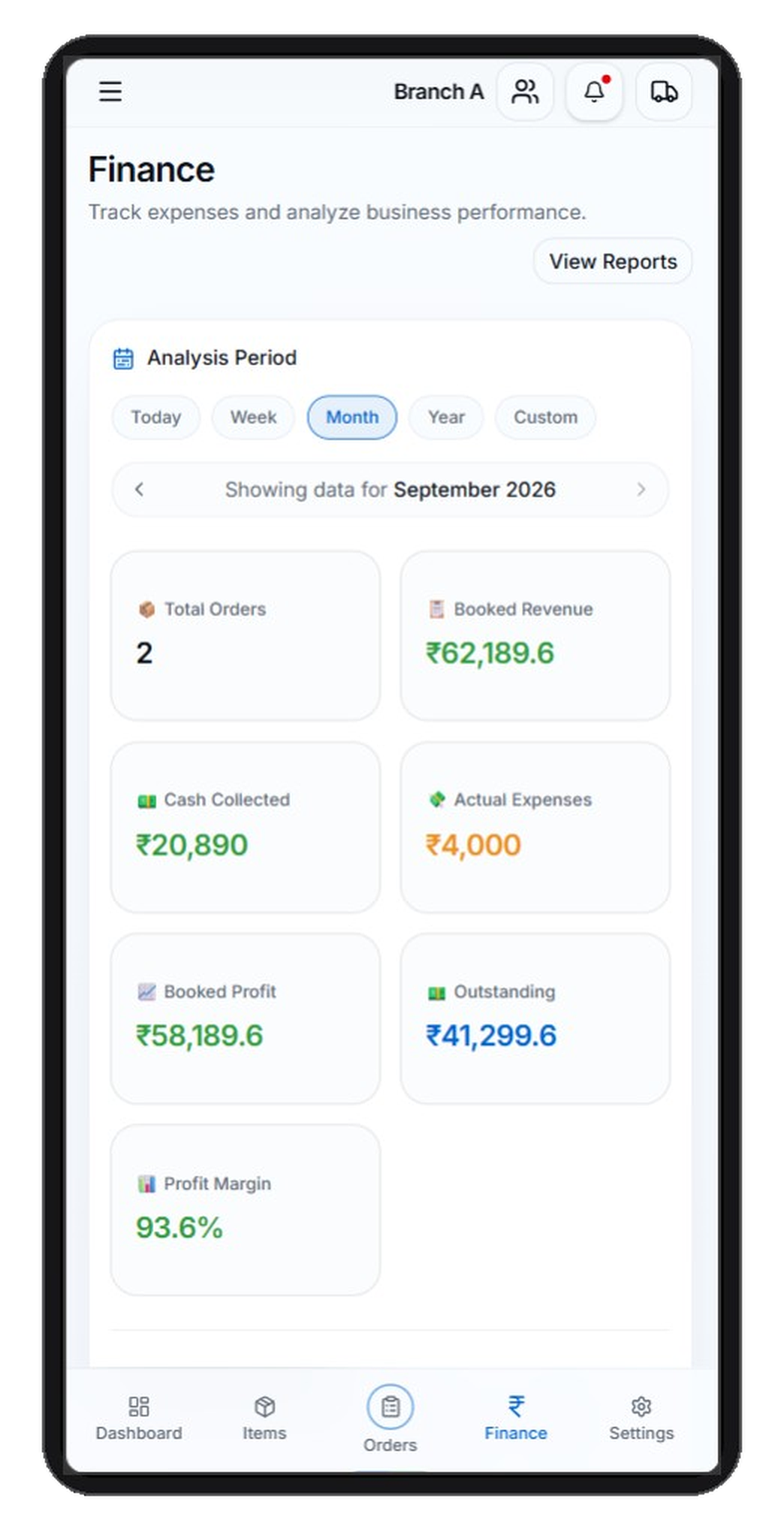
Track payments, expenses and financial summaries without a separate spreadsheet.
Manage branches, staff, vehicles and inventory according to your subscription plan.
One operations workspace for the event rental businesses that run Indian events.
Simple monthly plans for event rental businesses. Start a free trial, then manage subscription inside the app.
Practical answers about the product, trial setup and subscription.
RevRent is an event-rental business operations platform. It helps you run customers, catalogue, bookings, payments, invoices and day-to-day rental work from one workspace.
RevRent is for event rental businesses — including tent and shamiana yards, decoration, furniture, sound and lighting, catering equipment, and multi-category rental companies.
You can manage customers, rental catalogue and items, bookings and orders, advance and pending payments, invoices, expenses and finance, calendar, reports, staff, vehicles and inventory, according to your plan.
Yes. Branch limits follow your subscription plan. You create and manage branches from the Business Application after your business is set up.
Yes. Each branch keeps a rental catalogue with items and quantities that you use when creating bookings.
Yes. You can store customers and create bookings with rental items, quantities, event dates and booking details.
Yes. Payments can be recorded against bookings, including advances, pending balances and outstanding amounts.
Yes. You can generate invoices from bookings and share documents, including WhatsApp sharing. This opens WhatsApp with a message — it does not send messages automatically.
Yes. Finance tools cover payments, expenses and related summaries inside the branch workspace.
Yes. You can share invoices and related documents through WhatsApp from the application. Automated WhatsApp campaigns are not part of the current product.
Start Free Trial scrolls to pricing on this site so you can compare plans. When you are ready, use Login from the header to sign in or create your business account in the product app.
Subscription and billing live inside the Business Application after setup. The landing page does not collect payment or choose a paid plan for you.
Use Login in the header to open the Business Application sign-in page. The public website does not show authenticated workspace screens.